![apxium-logo.png]](https://support.apxium.com/hs-fs/hubfs/Logos/apxium-logo.png?width=144&height=50&name=apxium-logo.png)
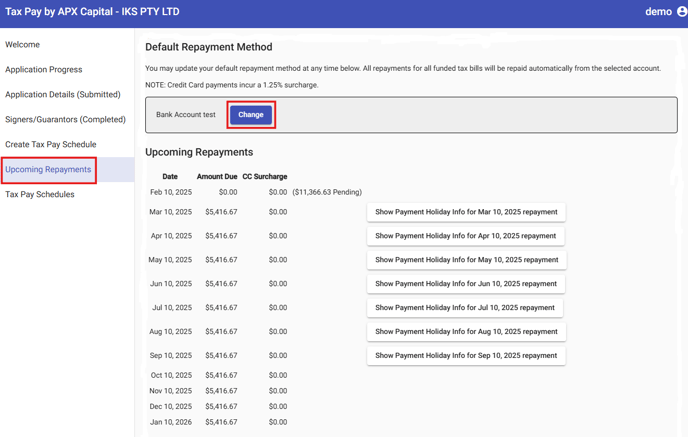
1. Go to Upcoming Repayments, then under Default Repayment Method, select change.
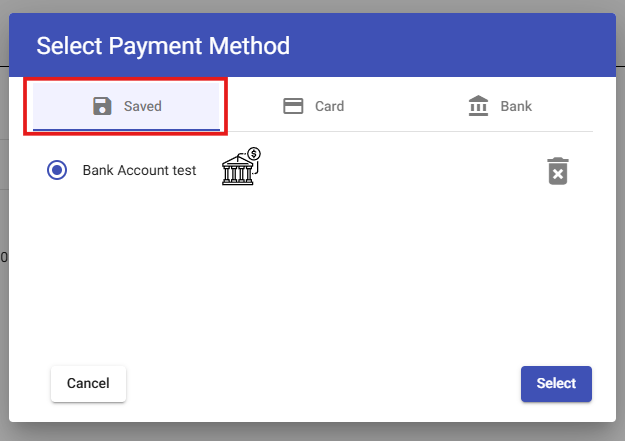
Your Saved Bank details are recorded/default under Saved. You may choose to remove it to enter new payment details by choosing Card or Bank.
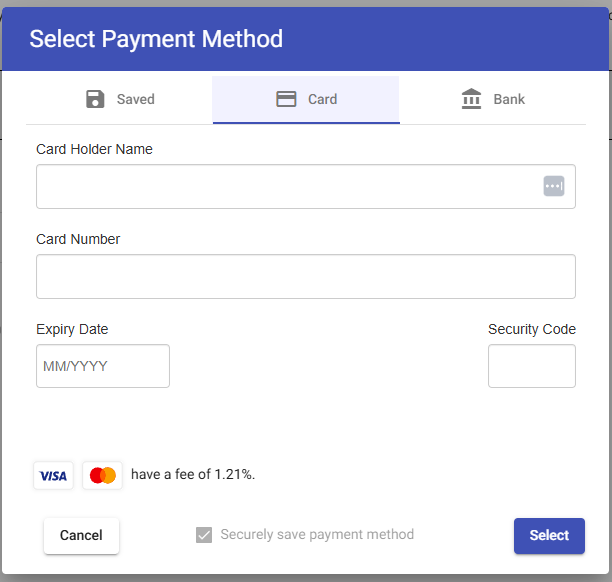
2. Enter your card details to nominate a new payment method using your Visa/Mastercard credit cards. Choose "Select" to save the details.
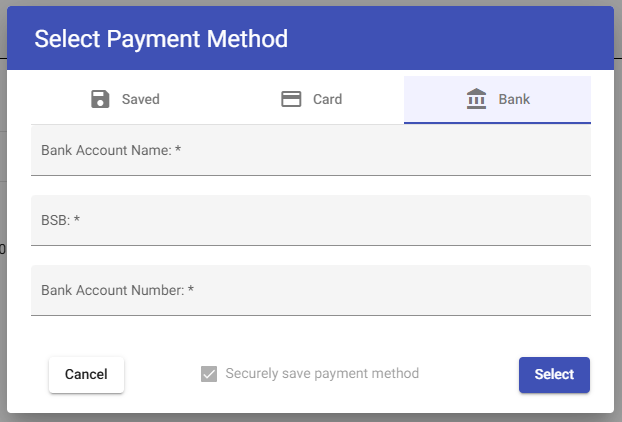
3. Select Bank to nominate a new payment method through Direct Debit. Fill in the details and click Save.