![apxium-logo.png]](https://support.apxium.com/hs-fs/hubfs/Logos/apxium-logo.png?width=144&height=50&name=apxium-logo.png)
The client can click the Decline button if they do not wish to accept the offer.
Once they click Decline, a pop-up message will appear to confirm.
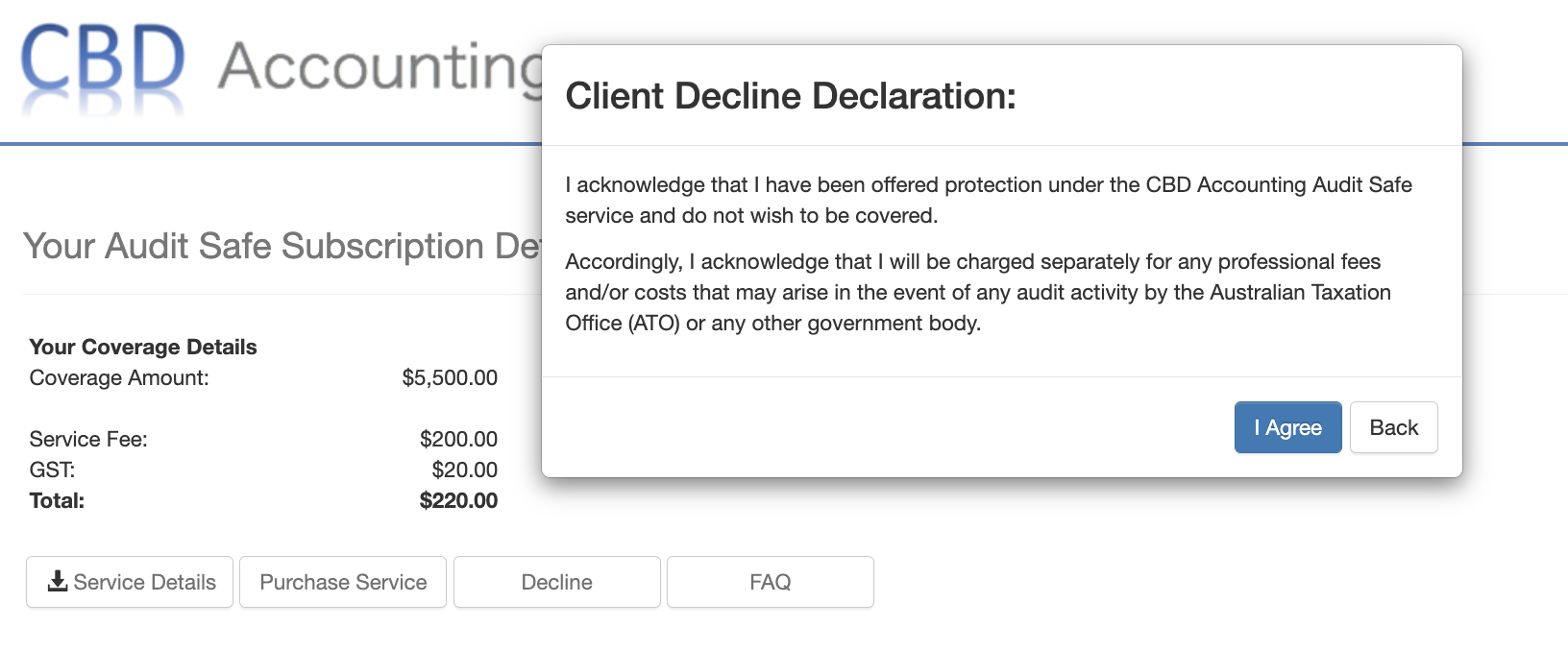
Once they click on 'I Agree', that will complete the process of declining the service.
The cover status will update to Declined.
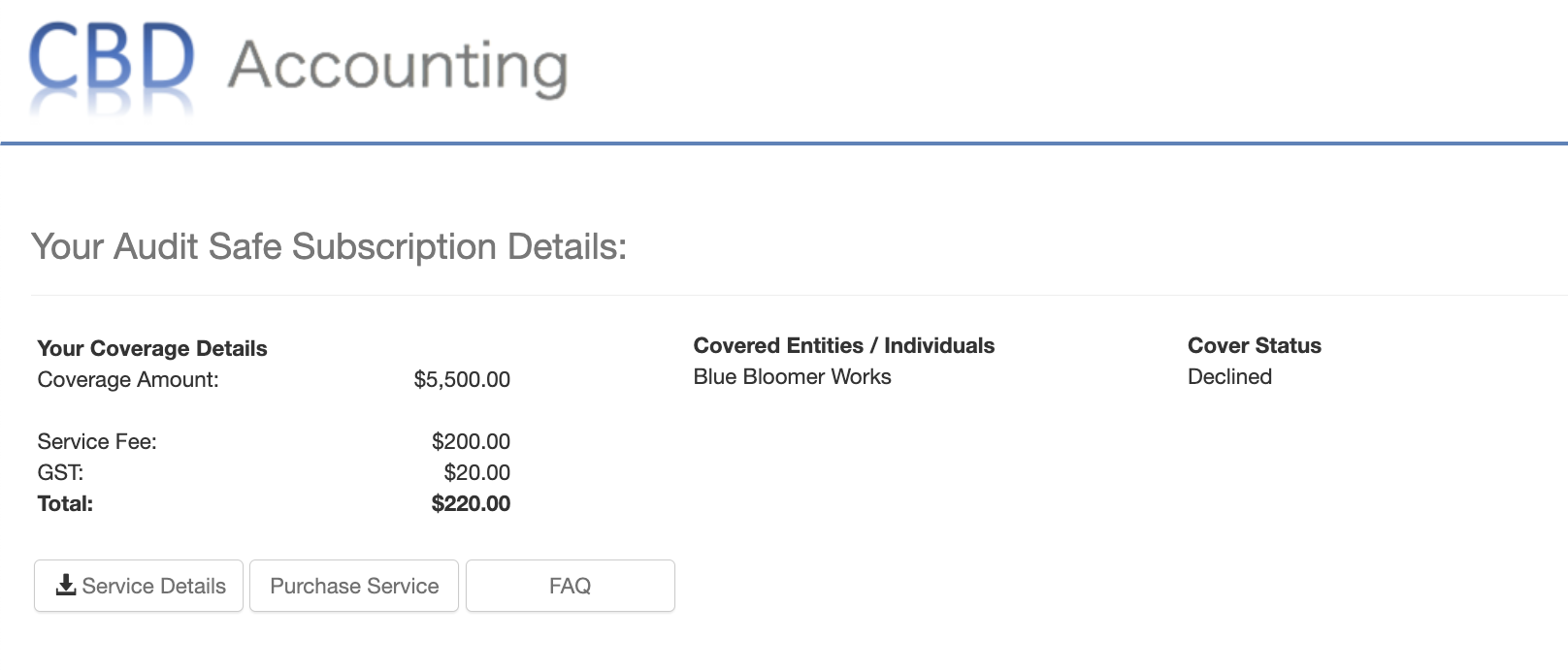
If there's a need to put the Declined offer back in On Offer status, please contact Apxium Support.
Alternatively, you can create a new offer for your client, you can go to the following sections to create a new offer and it will override the previous offer.
- Create New subscription page - (for Non-Integrated Systems)
- Data Extracted from Accounting (for Integrated Systems)